 WMATA’s NextBus tool has been officially back up and running for just a little over a month now, and last week the developers at NextBus launched their own iPhone application (now $2.99 from the iTunes store). For iPhone users, the application is well worth the purchase price, thanks to enhanced GPS and mapping features.
What the NextBus DC app does:
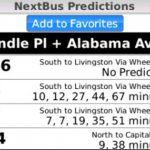
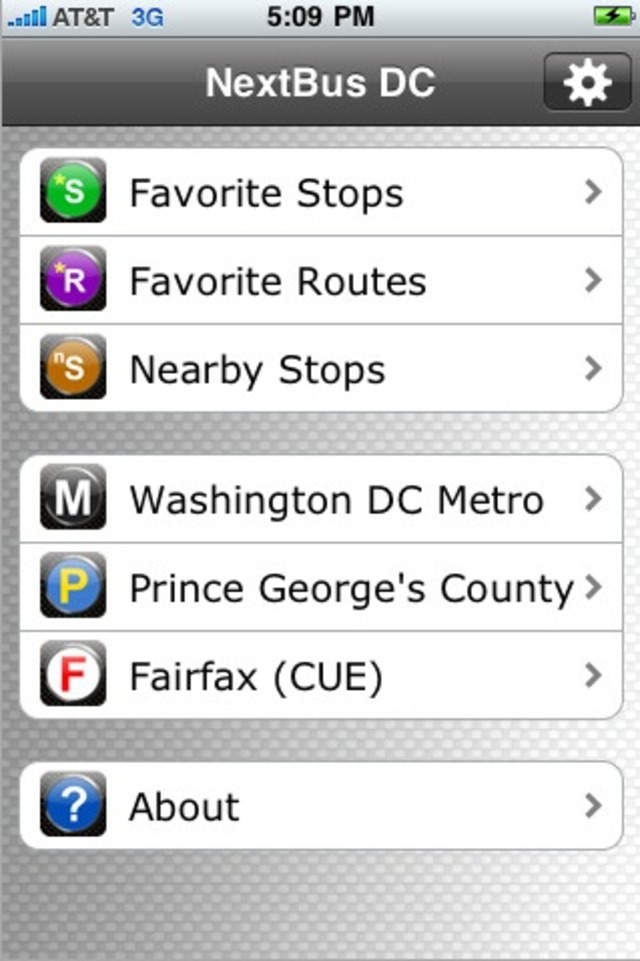
- Allows you to store a list of your favorite stops, in addition to automatically adding those stops to a list favorite bus routes, with ease. Bus stop results show predictions for every bus line that serves that stop.
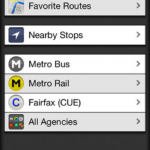
- “Nearby Stops” function gives you the bus stops closest to where you are physically, thanks to GPS functionality.
- A mapping function can then show you where you are on the map in relation to the bus stop you are trying to find. You can also view a full map of the selected bus route, with each stop highlighted.
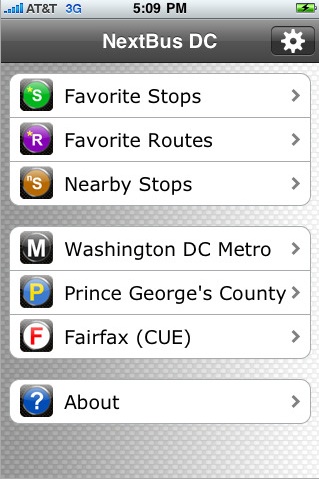
- Provides easy to search real time bus arrival data for D.C. Metro, Prince George’s County and the Fairfax CUE bus systems.
What the NextBus DC app doesn’t do:
- You can’t simply type in the bus stop number to find your stop information — instead you need to search either by bus line or by the “Nearby Stops” function. It would be nice to be able to use the stop numbers like you do on the browser-based mobile tool, although considering WMATA posted so many of the stop numbers at the wrong stops, maybe it’s not such a tragedy.
- There’s no improvement over the quality of the data. We’re still getting “no prediction for this bus line” results roughly once out of every four or five times we search NextBus, a problem WMATA has previously told us is likely due to bus driver error – they forget to turn on the NextBus device inside the bus.
- It doesn’t work like a trip planner. You can’t enter an address or destination and find out the best route to take, though consulting the route maps for the buses that serve the stops nearest you should help make up for that.
DCist has been testing the NextBus DC iPhone app for the last five days, and for the most part it’s given us great results. Except for the instances when the NextBus data just doesn’t work, the iPhone app has allowed us to make quick decisions about whether to wait for one bus or walk to a different stop and try another, and we’re impressed with how useful the application is for both regular bus riders and those who don’t know the bus system that well. By being able search for nearby stops in unfamiliar neighborhoods, bus riders no longer have to guess whether there’s a bus that’ll get them from here to there.
The application was originally listed at $4.99 for the first day or two, but the price dropped down to $2.99 pretty quickly, and no matter how often you ride Metrobus, it’s definitely worth downloading at that price.